Boulder notebook
ClimbSketch
Beta on the real wall
Photograph the boulder, mark where the body goes, and scrub the sequence until the send.
Boulder notebook
Beta on the real wall
Photograph the boulder, mark where the body goes, and scrub the sequence until the send.
Three marks
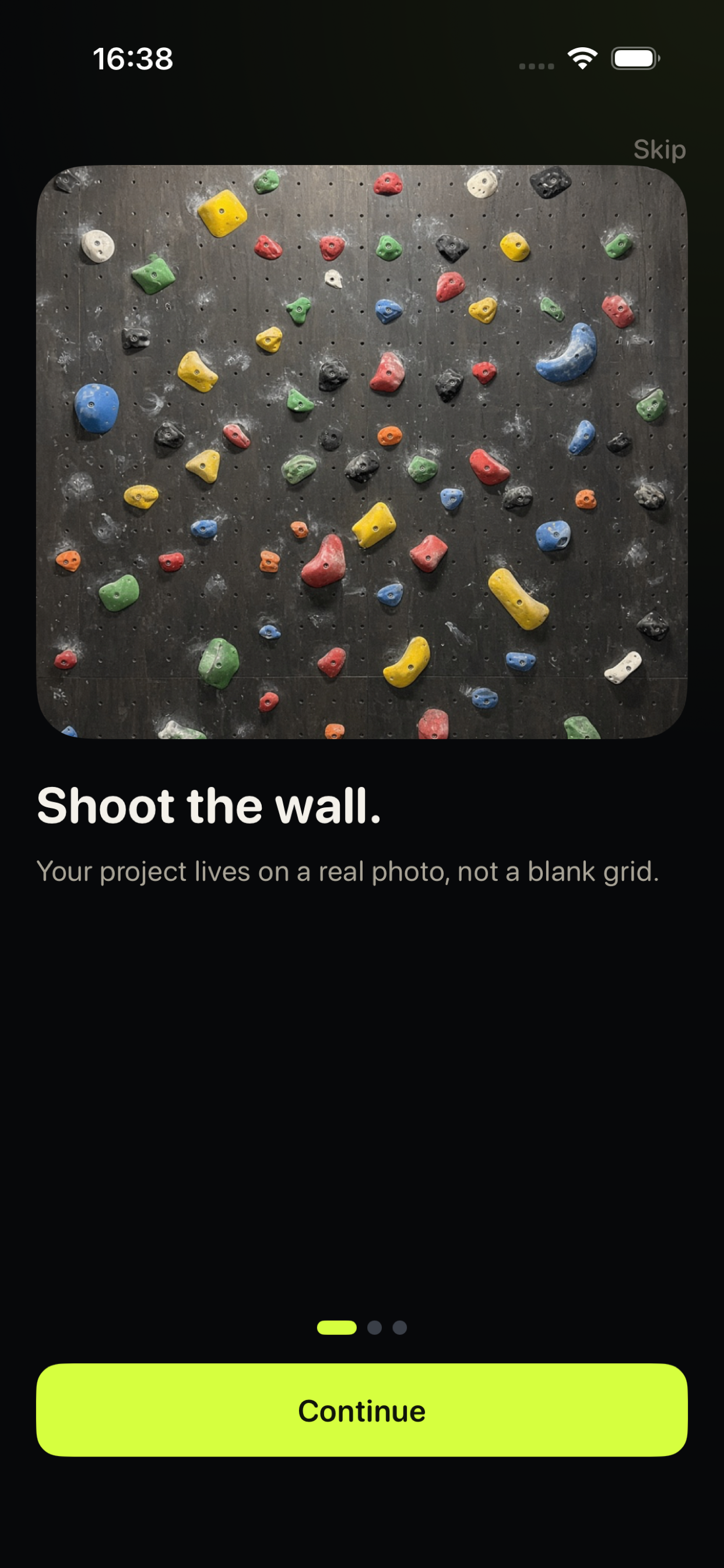
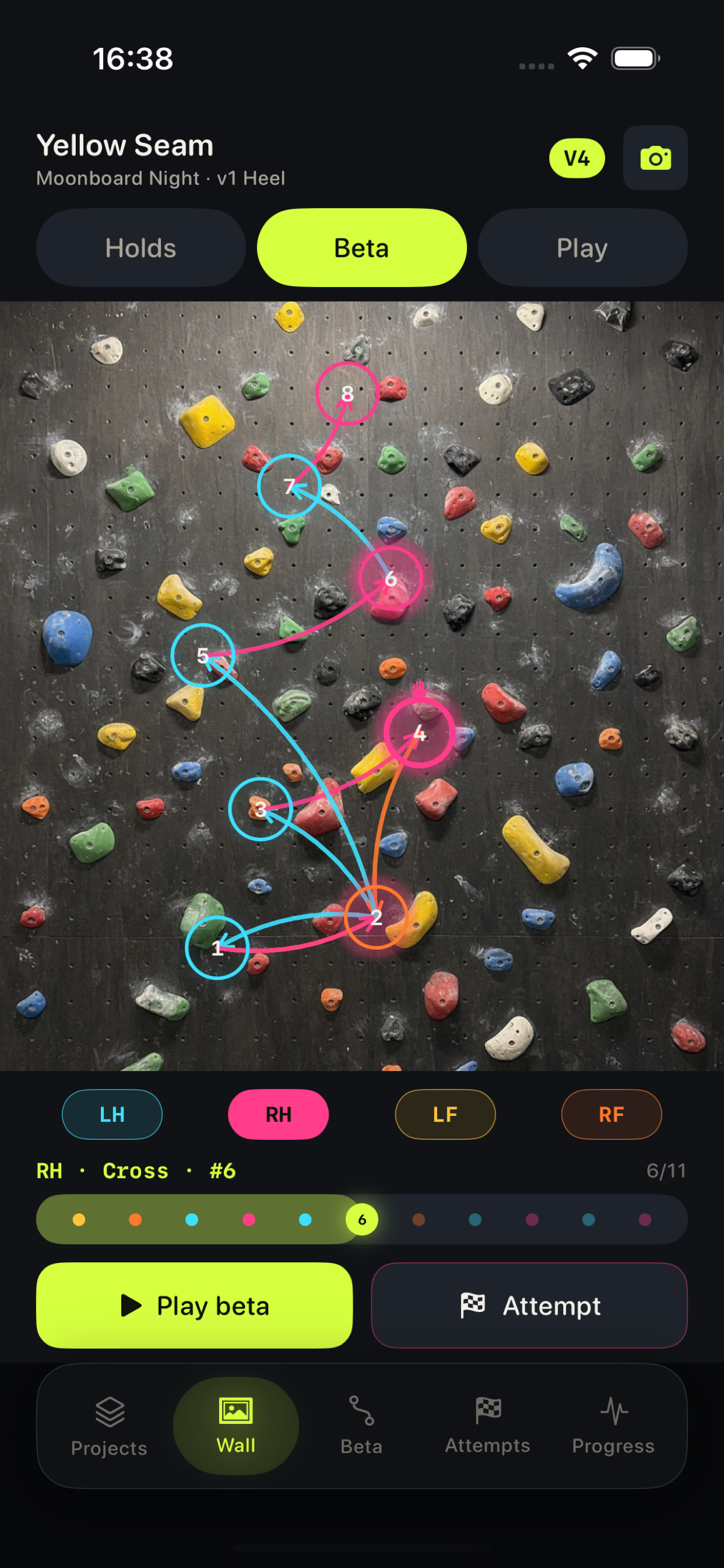
Your project lives on a photo of the actual boulder. Open the camera or pick a picture you already took. The holds stay where they are on the wall, not on a blank grid.
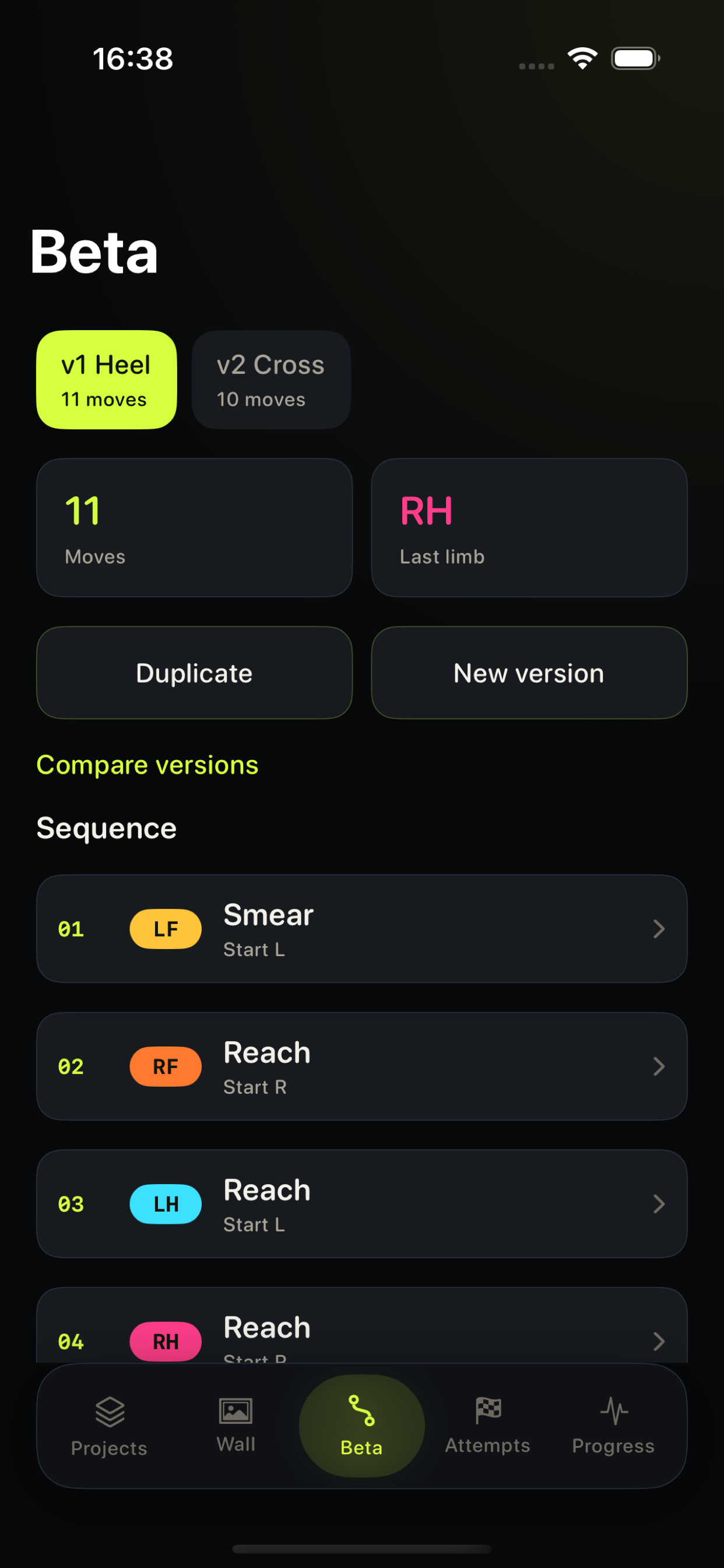
Drop left hand, right hand, left foot, and right foot onto the photo. Then name the move: heel, cross, flag, drop-knee, smear. The sequence is the beta, not a strip of tape colors.
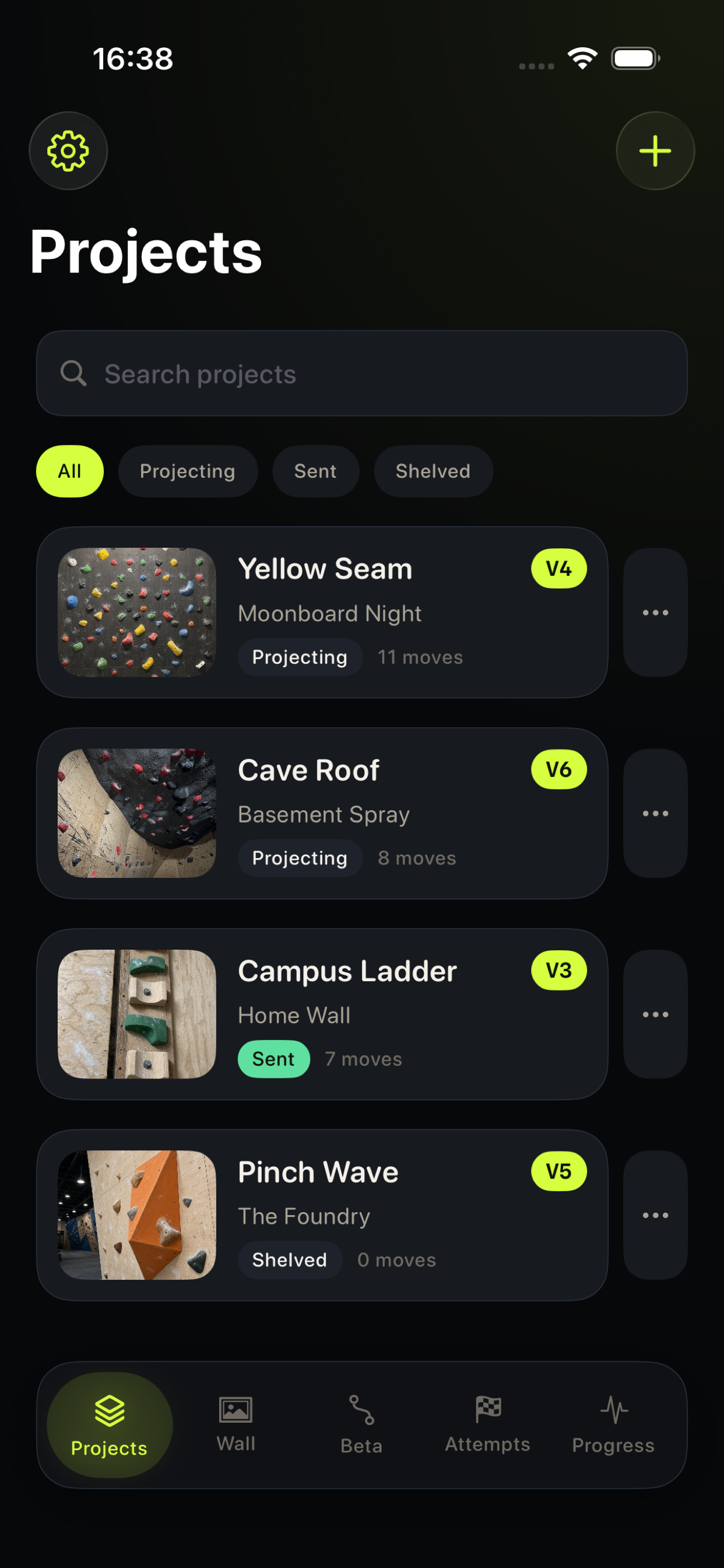
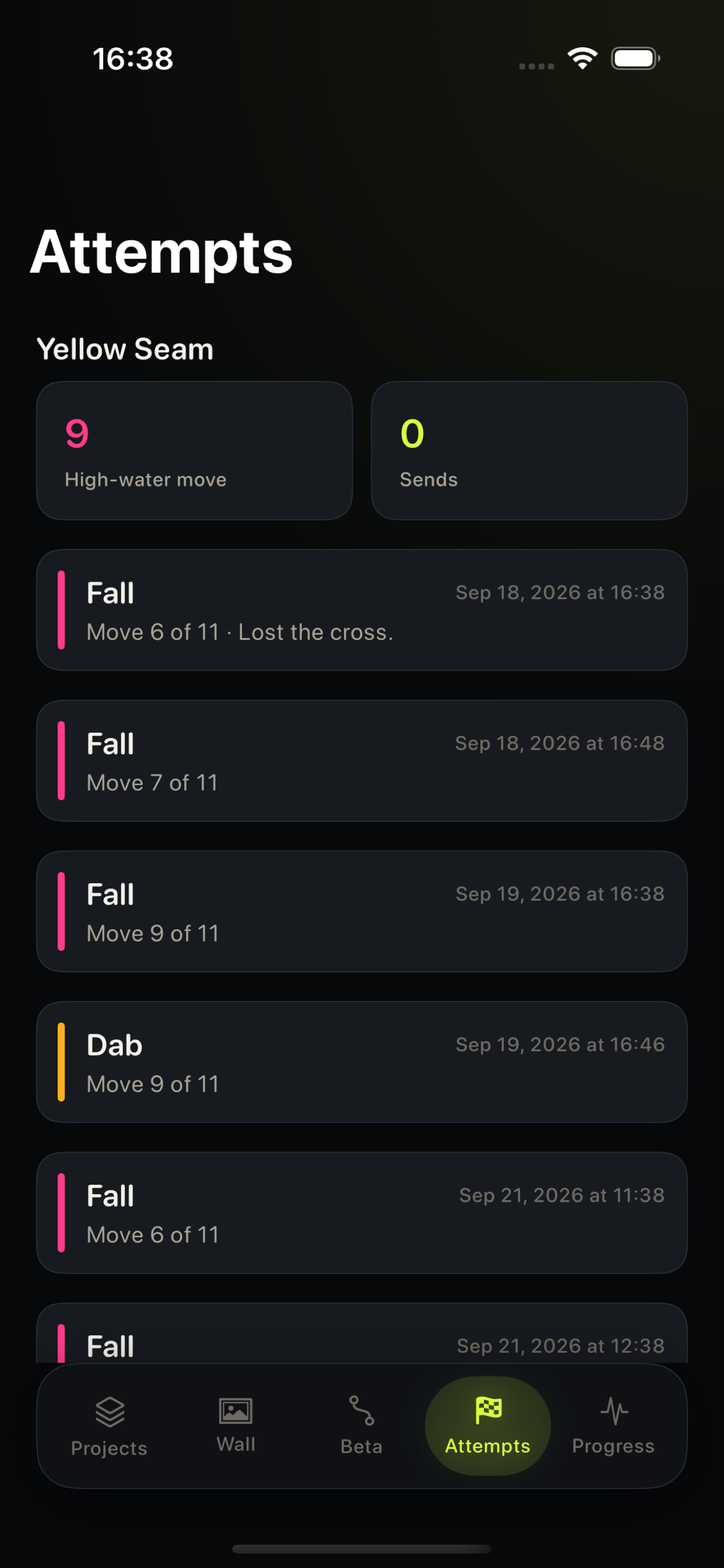
Replay the body through the moves. When you fall, mark the attempt and rewrite the sequence at the move that blew up. Shelve it, keep projecting, or mark it sent.
From the phone
Paperwork
ClimbSketch is published by Ukrainska Kramnytsia TOV. This policy describes what the app keeps on your iPhone and what we do not collect. It applies to the ClimbSketch iOS app.
Projects, hold placements, limb marks, move names, attempt notes, and session preferences (haptics, body ghosts, playback speed) are stored in the app’s documents on the device. ClimbSketch does not create an account and does not upload that library to our servers. There is no gym feed and no sign-in.
If you photograph a wall, the camera is used only to capture that picture for the open project. If you choose an existing picture, the photo library is used only for the image you pick. Wall photos are saved inside the app’s on-device storage. We do not scan the rest of your camera roll and we do not transmit those photos to us.
We do not sell personal information. The app does not include third-party advertising or analytics. We do not ask for your name, contacts, or location. If you email us, we use that message only to answer you.
You can remove a project, including its photo, inside the app. Deleting ClimbSketch removes the local library from the device. Questions about this policy: yevhenoliinyk@ukrainskakramnytsiatov.org. Ukrainska Kramnytsia TOV. Effective 2026.
Write to yevhenoliinyk@ukrainskakramnytsiatov.org if a project will not open, a wall photo did not save, or a camera or photo permission looks wrong. Include your iPhone model and iOS version so we can reproduce it. Mail is the support channel; there is no in-app chat. Ukrainska Kramnytsia TOV reads that address for ClimbSketch.